Inside This Guide
Finding the "best" Digital Audio Workstation (DAW) in 2026 isn't about following the trends; it’s about understanding that the core differences between platforms are primarily found in the User Interface (UI) and the UX design philosophy. While most professionals might not point you toward ACID Pro as their first choice, the reality is that the "best" DAW is simply the one you take the time to master. Whether it’s an industry standard or a niche favorite, the software is just a tool—the efficiency comes from your familiarity with its architecture.
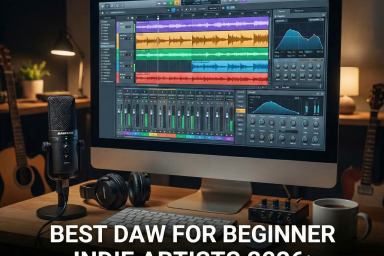
My journey began with Magix Music Maker, a program I picked up at Best Buy back in the 90s. Because ACID Pro was developed under a similar design language, transitioning to it was seamless. A well-designed DAW should offer a layout where the sequencer, mixer, and plugin rack are in clear view. Modern DAW interfaces are increasingly optimized for screen real estate; if you have a high-resolution display or a multi-monitor setup, the program layout scales perfectly, allowing you to manage complex arrangements without losing your visual orientation.
In the early days, my vocal recording setup was built on simplicity and functional hardware. I utilized a Samson USB microphone paired with a Creative Sound Blaster sound card and a compact analog mixing console. This hardware configuration allowed for a crucial "artist mix": the vocalist could monitor just the backing track while I monitored the full master bus in real-time. It was a straightforward, effective signal chain that removed technical barriers so the focus stayed on the performance.
The beauty of a streamlined setup is how it handles multi-software workflows. I would often run Reason 4 via ReWire or as a standalone channel to handle the beat production, while simultaneously tracking vocals in the DAW. This modular approach—using one program for sound design and another for multitrack recording—proved that you don't need the most expensive suite on the market. You just need a system that works for your specific creative process.
| Product | Preview | Key Benefit | Action |
|---|---|---|---|
| ACID Pro (Latest) | 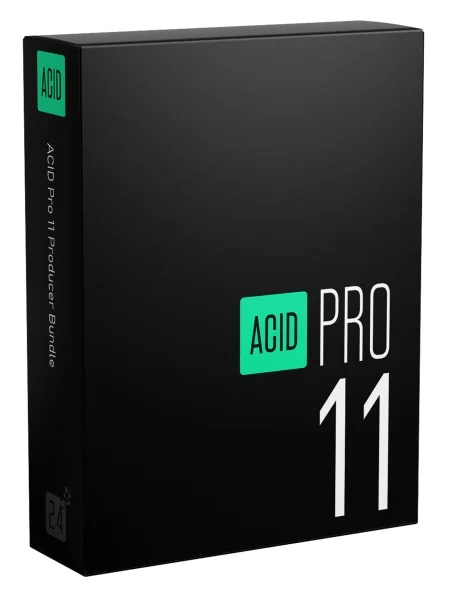 |
Unmatched loop-based workflow and UI clarity. | Buy |
| Samson USB Microphone | 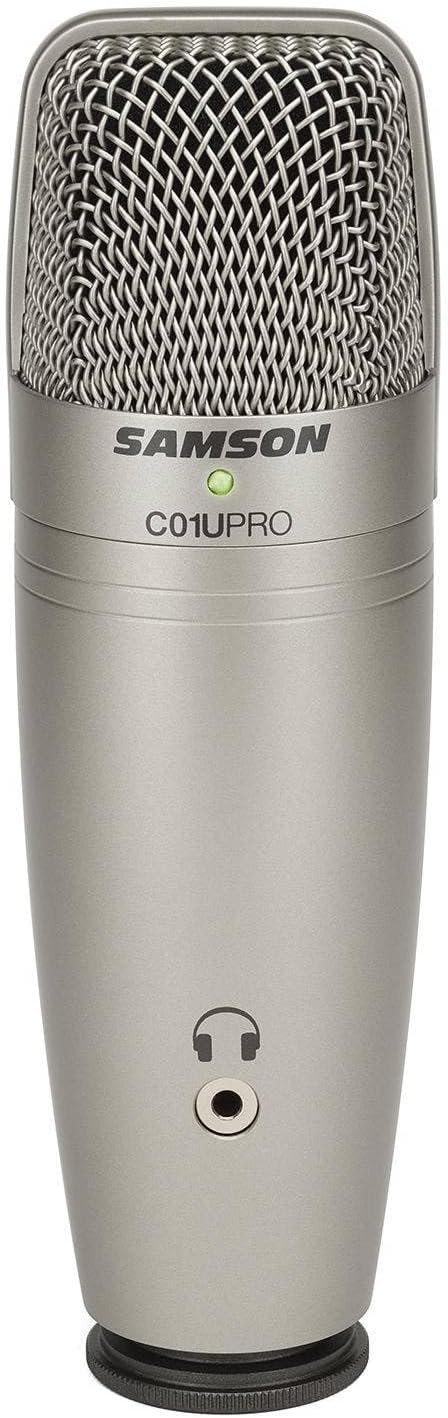 |
Plug-and-play simplicity for high-quality vocal tracking. | Buy |
| Sound Blaster Sound Card | 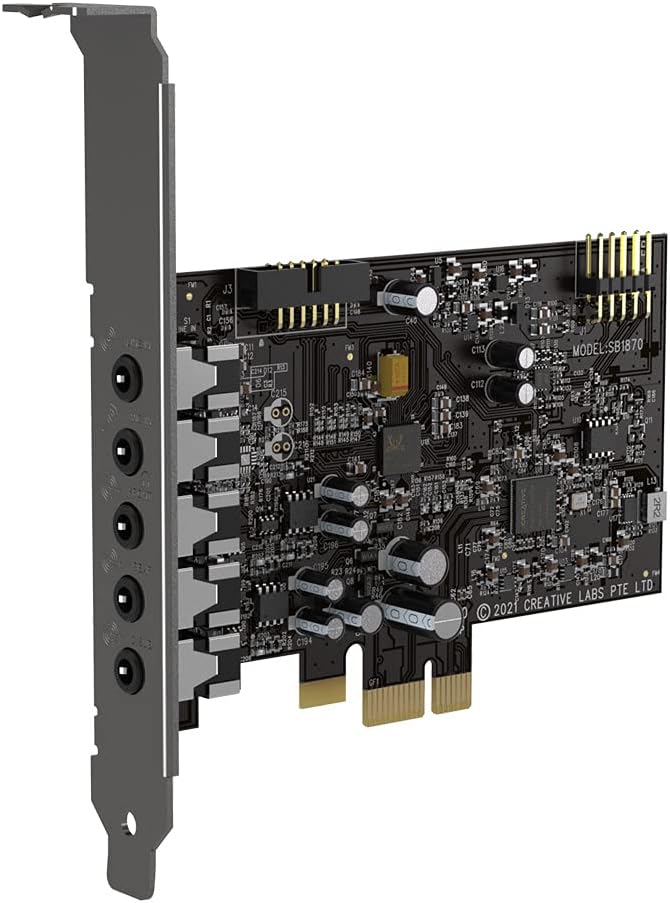 |
Enhanced DAC/ADC conversion for cleaner audio. | Buy |
| Compact Mixing Console | 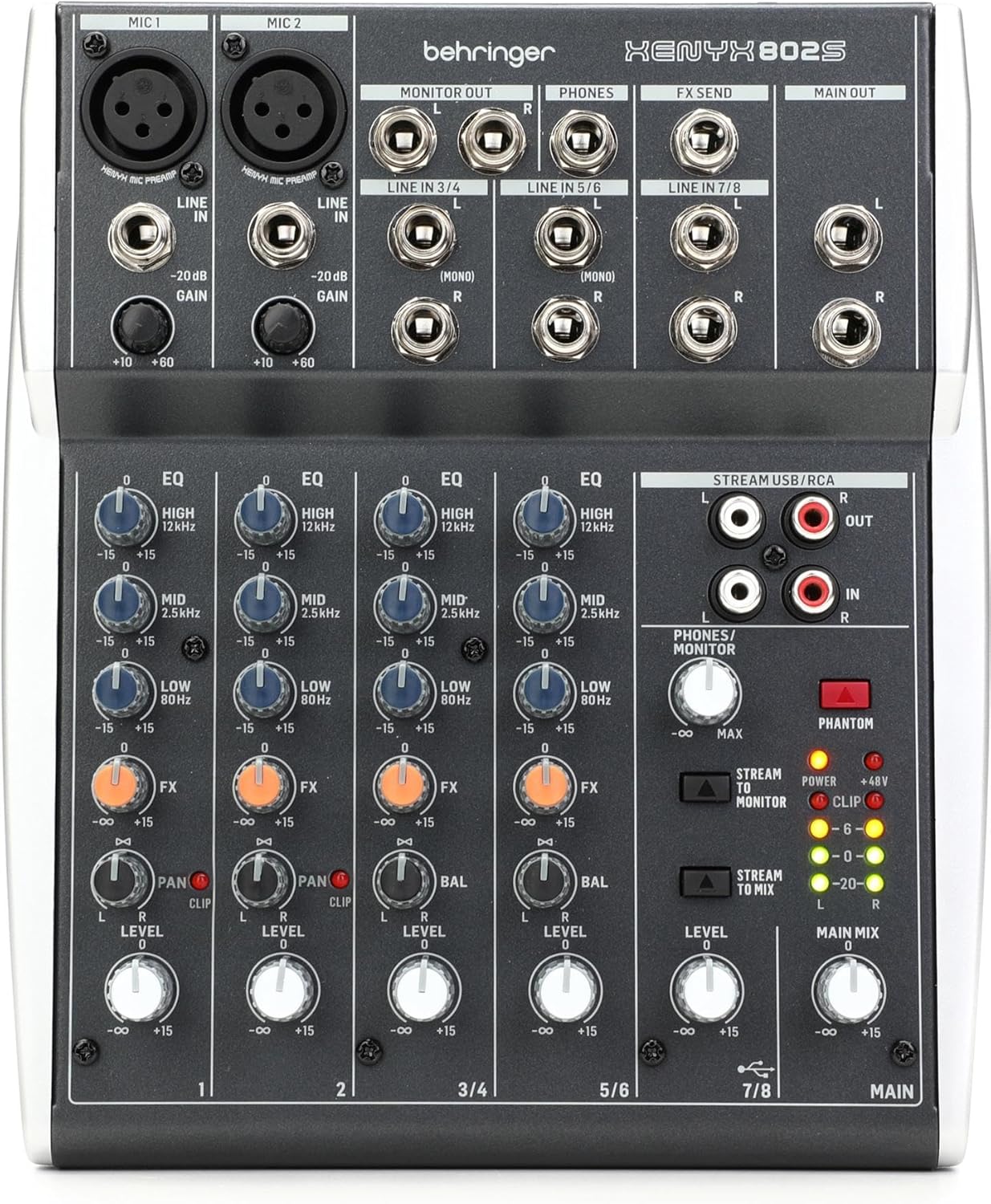 |
Essential for creating customized artist monitor mixes. | Buy |
| Reason 13 (Latest) |  |
World-class virtual rack for sound design and beats. | Buy |

About the Author
.